Research
Research answers questions. Four sections sit on a tab strip: Ask, Authority, Ground and Precedent. Opening Research from the icon rail lands you on Authority; the Home tiles land you on whichever section they name.
The four differ in where the answer comes from. Ask answers from the open document. Authority answers from the law. Ground tests a claim against three bodies of evidence at once. Precedent searches your own firm's drafting.
Ask
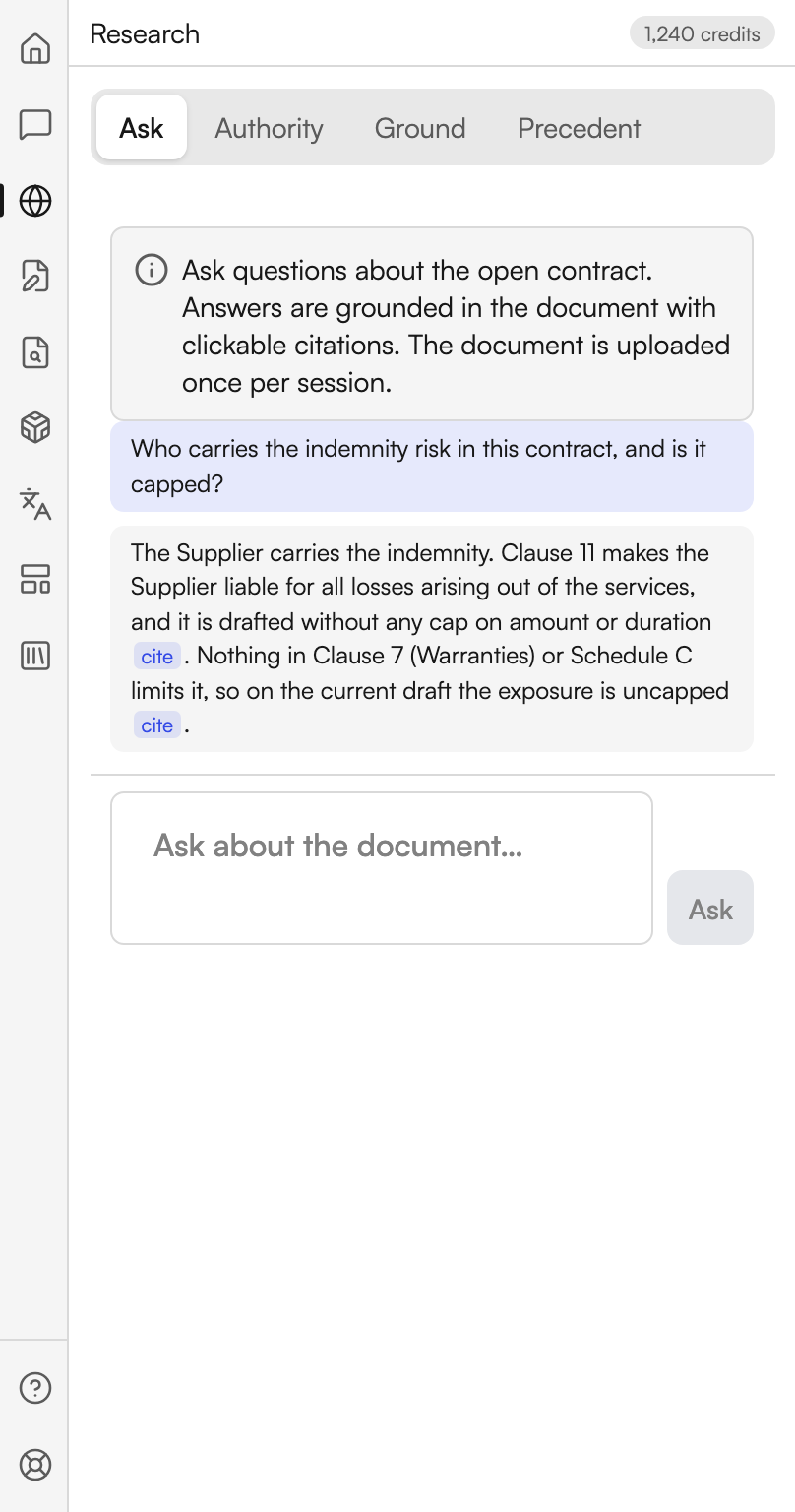
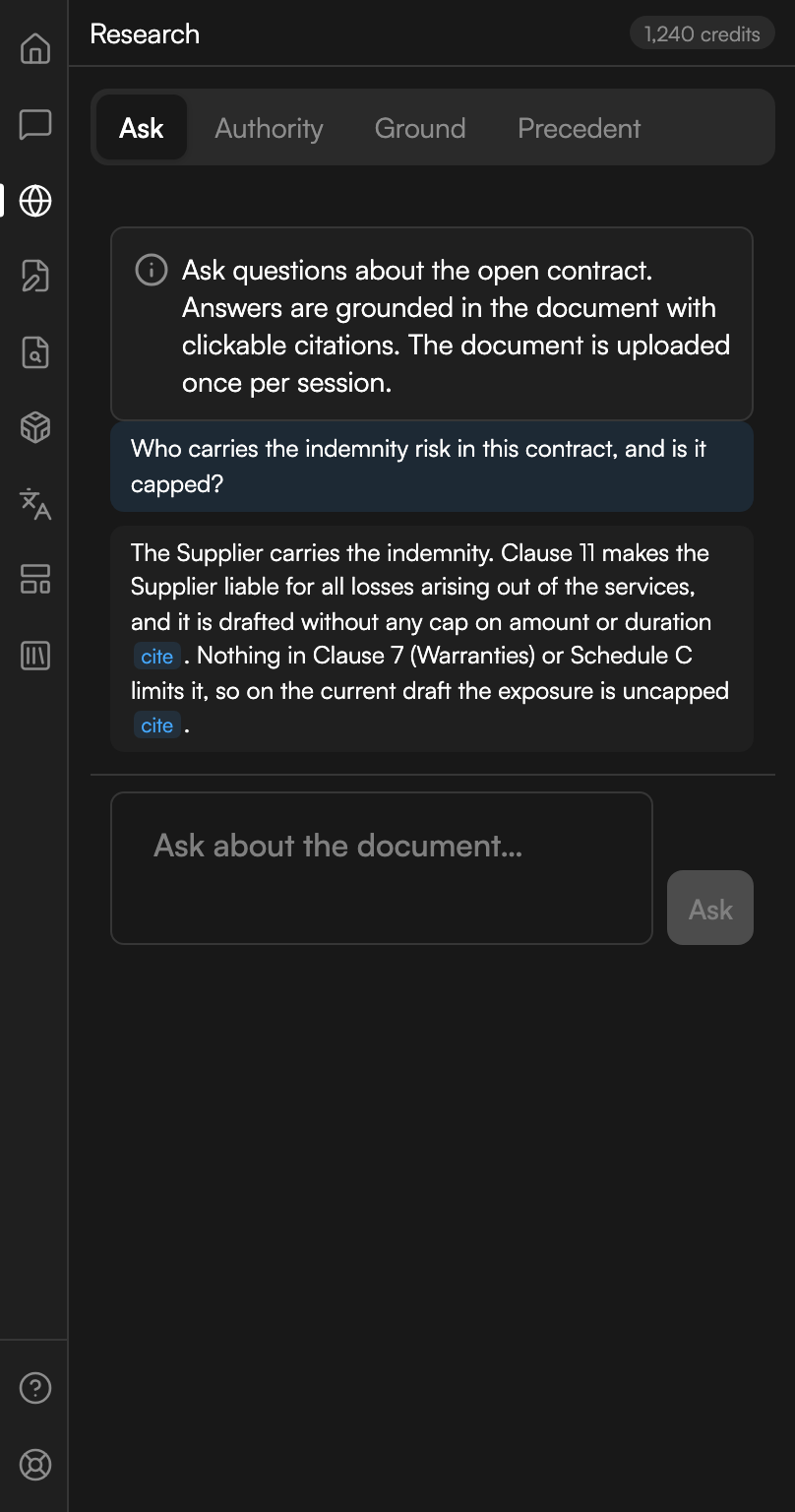
Ask the document is document Q&A with citations. Its note says: Ask questions about the open contract. Answers are grounded in the document with clickable citations. The document is uploaded once per session.
| Control | Where | What it does |
|---|---|---|
| The question box | Middle of the panel | Placeholdered Ask about the document… |
| Ask | Footer | Sends the question |
| Stop | Replaces Ask while streaming | Ends the run |
The first question of a session uploads the document, and the panel says Starting Q&A session… while that happens. Later questions reuse it, so only the first one waits.
Answers carry numbered cite chips. Selecting one takes you to the passage the answer leaned on.
This is the same tool the Assistant hands off to: pressing Search authorities in Research on an Assistant answer opens Ask with your question already in the box.
An answer from the document
A question about the open contract, answered with cite chips back into the text.
Authority
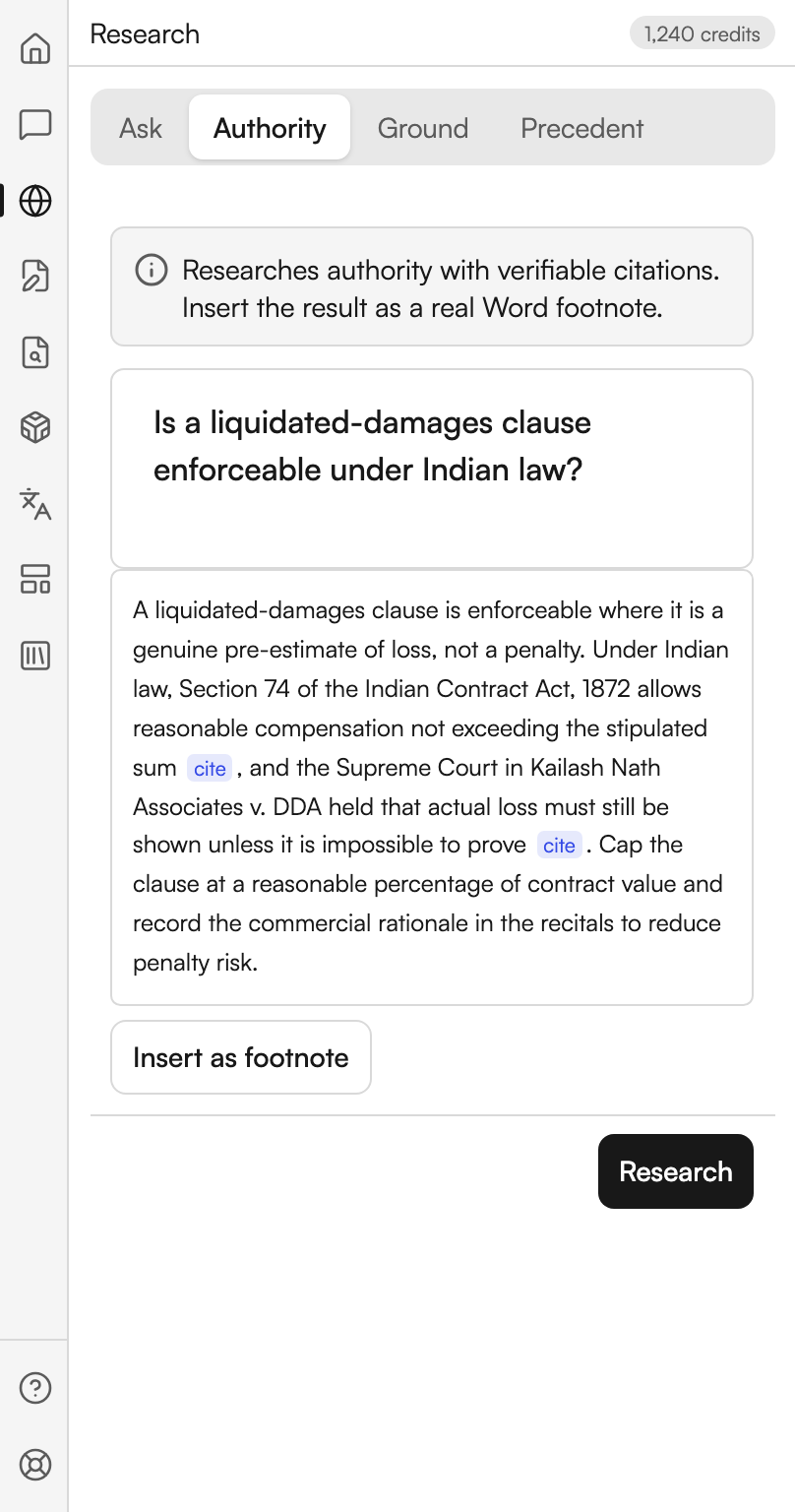
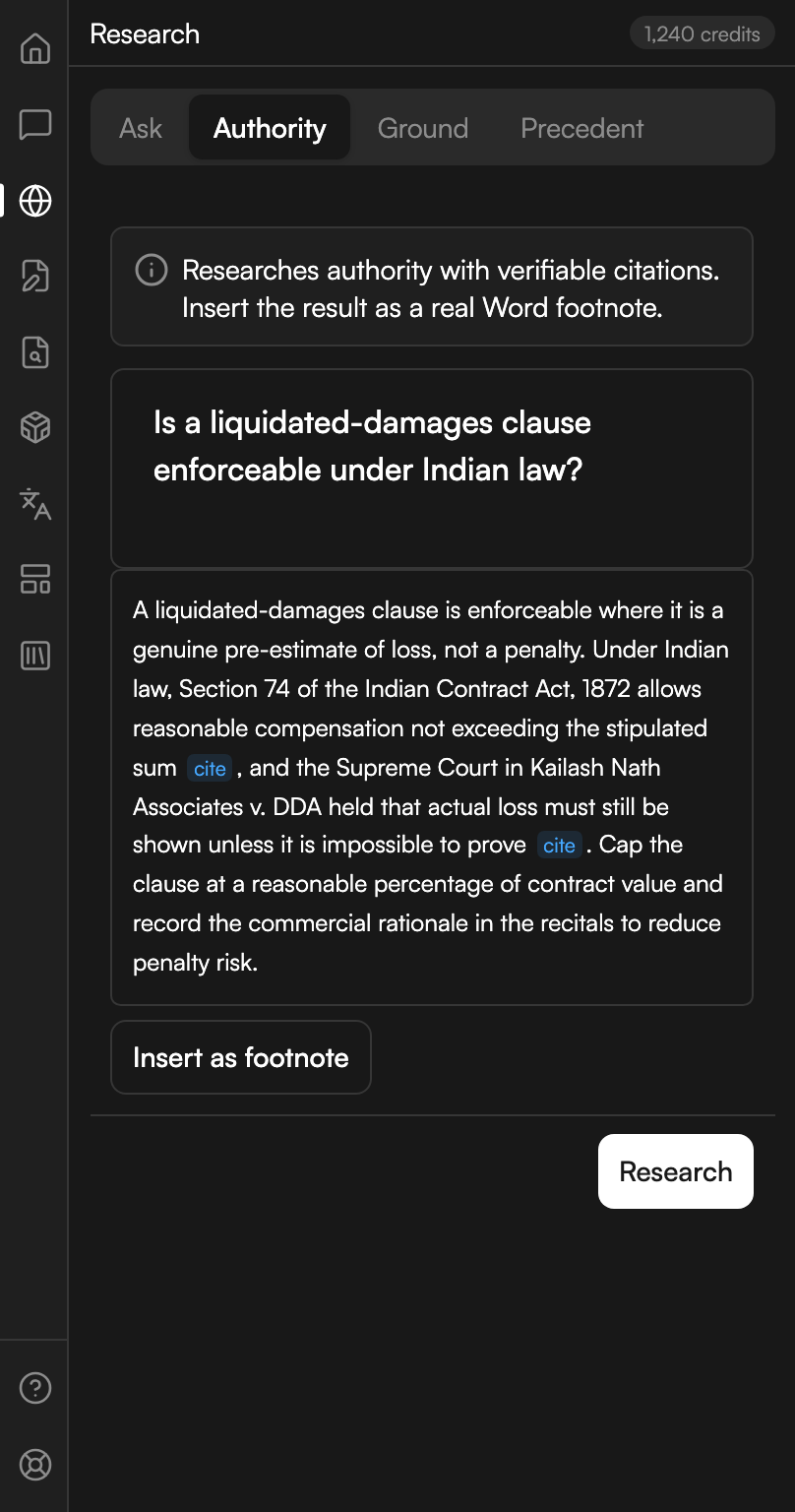
Find authority researches the law rather than the document. Its note says: Researches authority with verifiable citations. Insert the result as a real Word footnote.
| Control | Where | What it does |
|---|---|---|
| The question box | Middle of the panel | Placeholdered Research question… |
| Research | Footer | Starts the run |
| Stop | Replaces Research while running | Ends the run. The panel then reads Stopped. |
| Insert as footnote | Under the answer | Writes the result into the document as a real Word footnote |
Short questions are refused with a message asking you to describe the research question in more characters. While the run is going the panel shows its progress, starting at Starting research….
The answer arrives with cite chips against the authorities it relies on. Insert as footnote needs a recent Word build; on an older one the panel inserts the result as ordinary text instead and tells you why.
Authority, ready to footnote
A question answered from the law, with the footnote action under it.
Ground
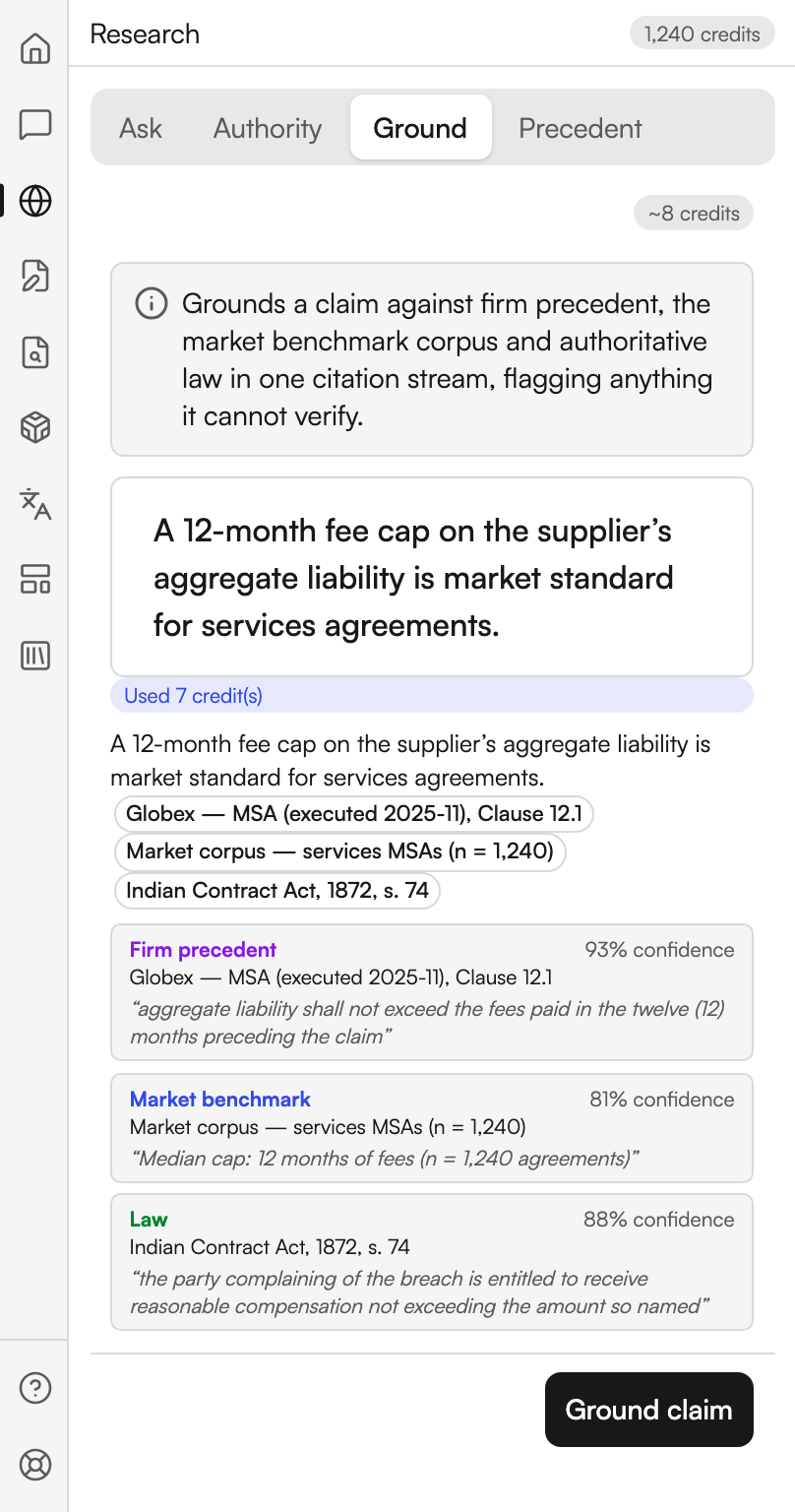
Ground a claim is the three-source check. Its note says: Grounds a claim against firm precedent, the market benchmark corpus and authoritative law in one citation stream, flagging anything it cannot verify.
Paste the clause or proposition into the box, placeholdered Paste a clause or claim to ground…, and press Ground claim.
The answer is a list of citations, each tagged with where it came from and how confident Judicio is:
| Tag | What it means |
|---|---|
| Firm precedent | Your own firm's drafting supports the claim |
| Market benchmark | The market corpus supports it |
| Law | An authority supports it |
| Ungrounded | Nothing was found to support it |
A citation Judicio could not verify is marked Unverified, and each carries a confidence percentage. When the run finds nothing at all the panel says No supporting citations were found for this claim. A chip above the result reports the credits the run used.
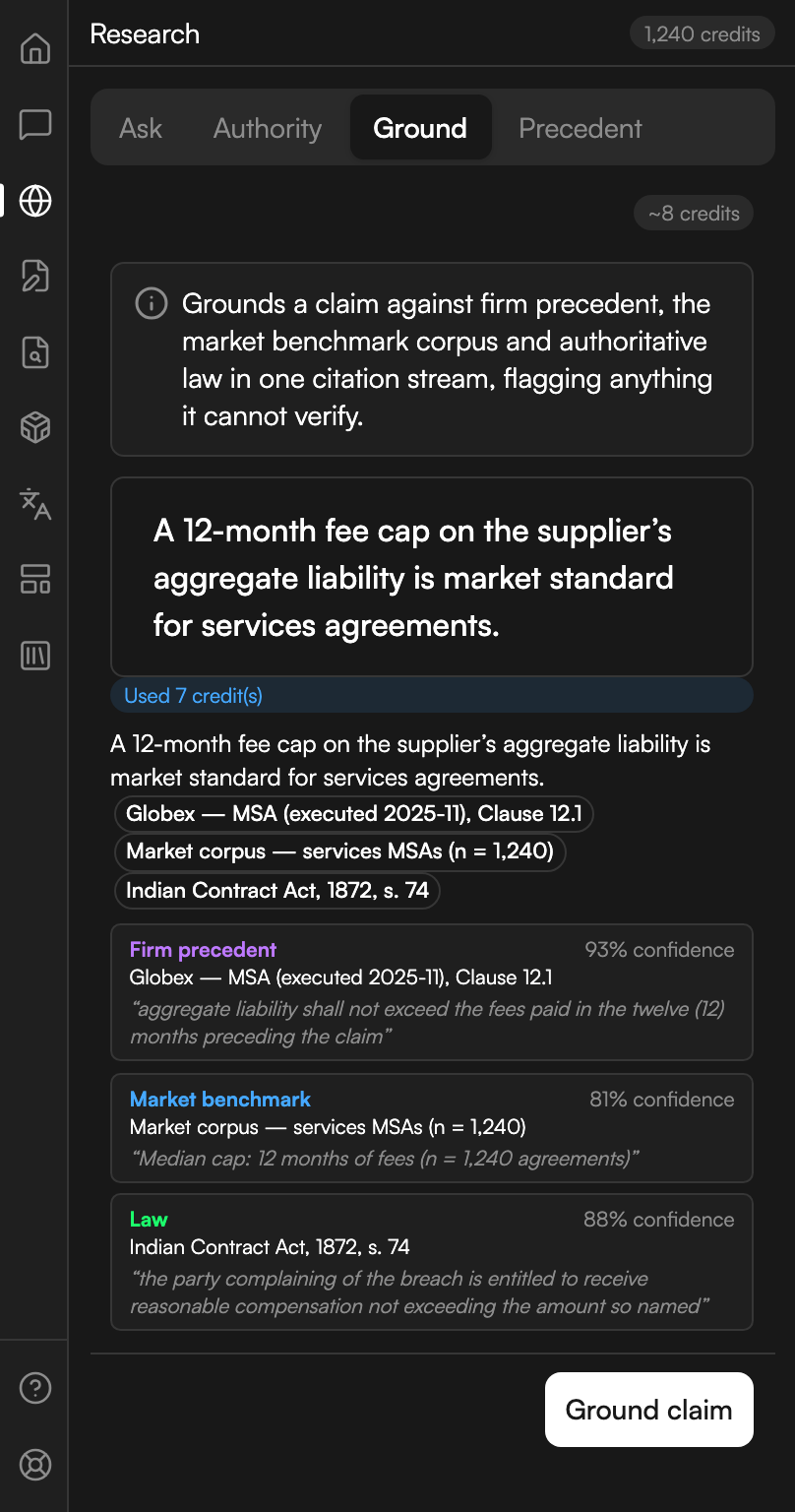
One claim, three sources
A claim grounded against firm precedent, the market corpus and the law, each with a confidence.
Precedent
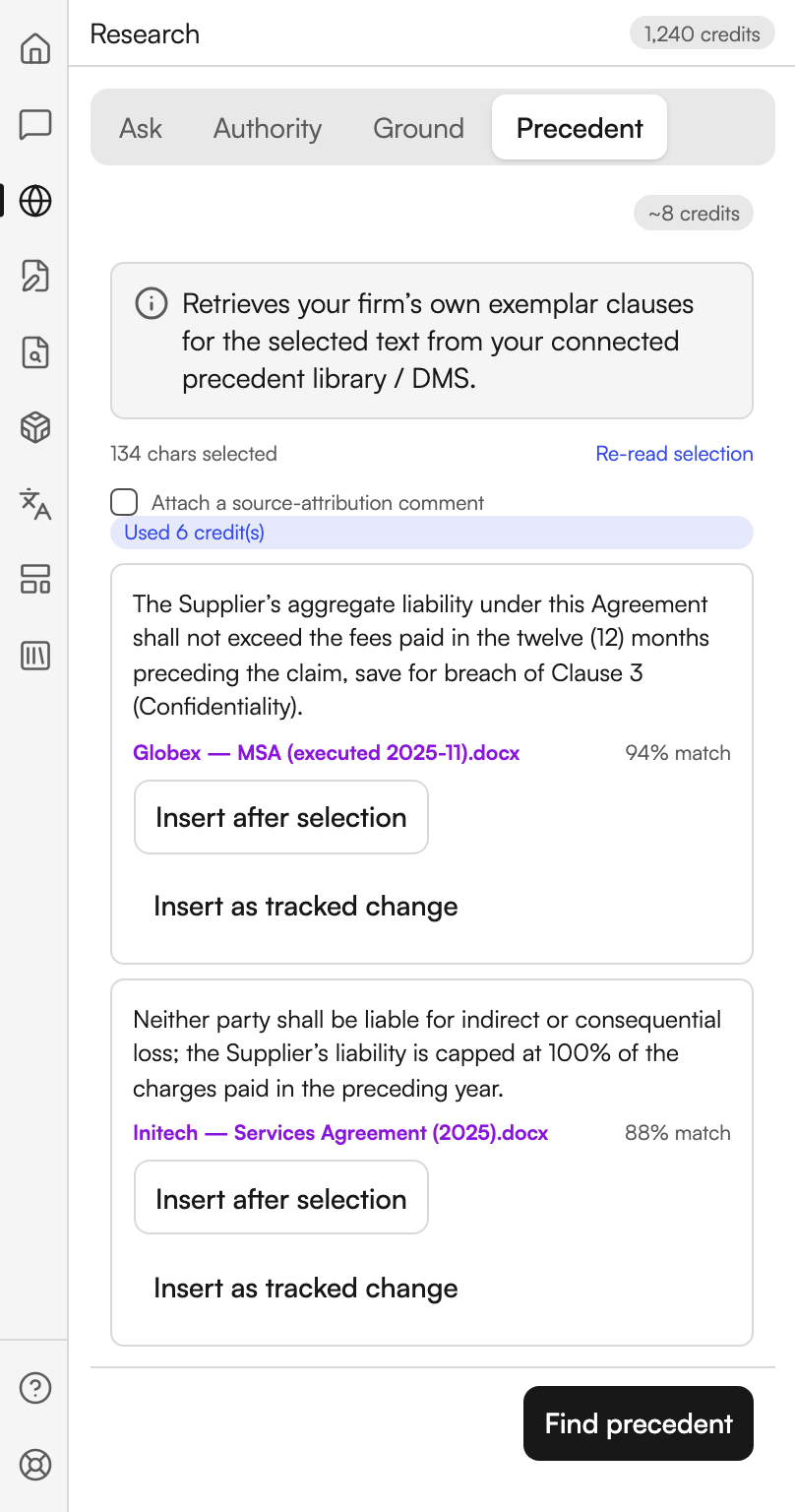
Firm precedent searches your connected precedent library or document management system. Its note says: Retrieves your firm's own exemplar clauses for the selected text from your connected precedent library / DMS.
It works on a selection. The panel shows how many characters you have highlighted, or No selection, with Re-read selection to pick up a fresh highlight.
| Control | Where | What it does |
|---|---|---|
| Attach a source-attribution comment | A checkbox above the footer | Adds a Word comment naming the exemplar and its match score wherever you insert |
| Find precedent | Footer | Runs the search |
Each match is listed by file name with a match percentage, and two ways to use it:
- Insert after selection places the exemplar directly after your highlighted clause.
- Insert as tracked change places it as a revision mark instead.
If Judicio cannot anchor to your selection it inserts at the cursor and tells you it did. On a Word version without Track Changes the tracked insert falls back to a plain one, again with a message. When nothing matches the panel says No firm precedent matched this clause.
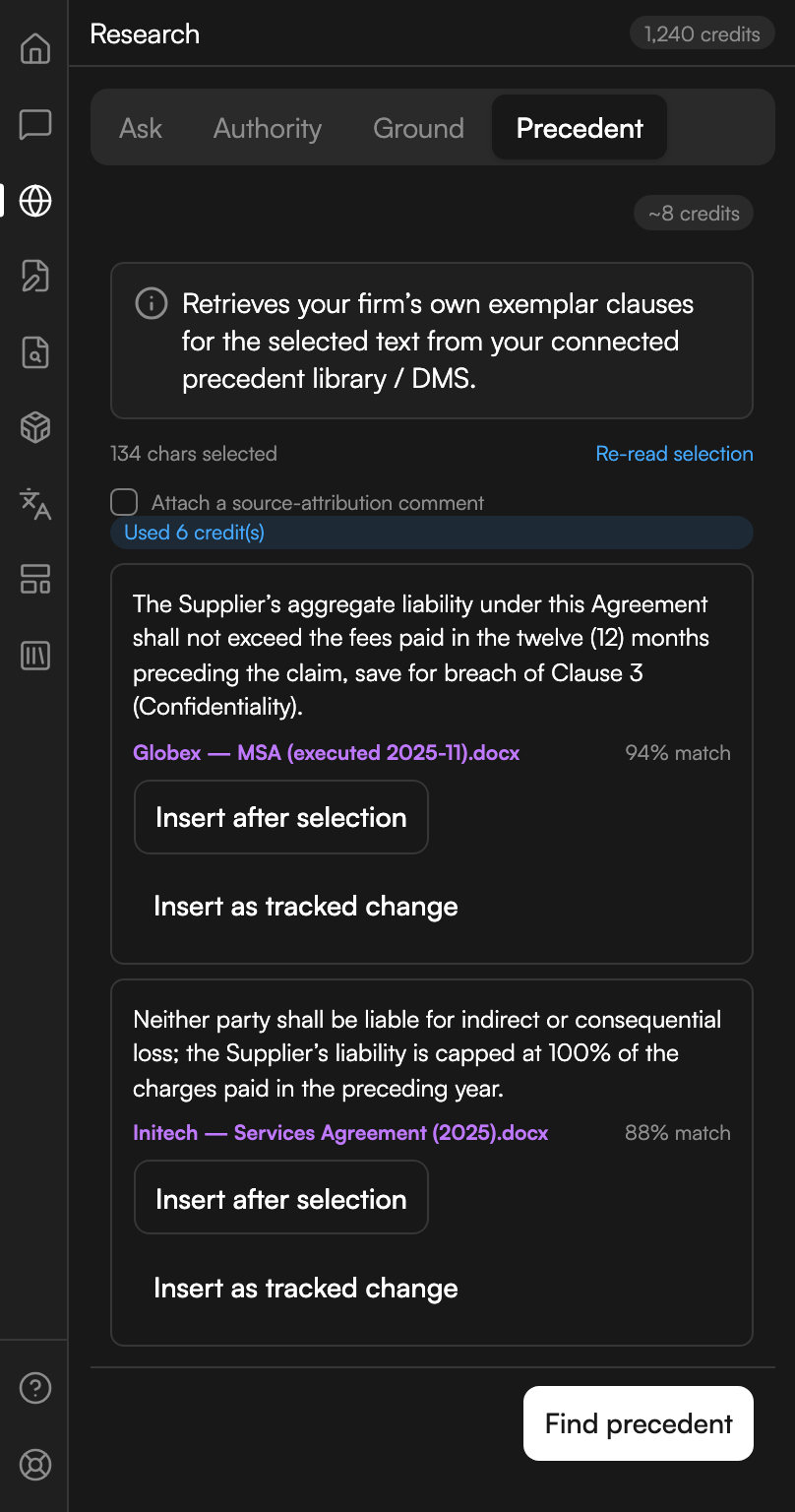
Firm exemplars for a selected clause
Two exemplars from the firm's own library, each with its match and both ways to insert it.
Credits and staging
The four sections are not priced the same way.
Ground and Precedent are Word actions with a fixed price, and each shows an estimate chip in its header before you run it.
Ask and Authority are the same runs as Legal Research in the web app and bill at that feature's rates, which vary by mode and by whether the question is a first turn or a follow-up. Neither panel shows an estimate chip, so check Credits Explained before a long session.
Ask uploads the current document to your workspace and can include up to nine selected library sources. Authority supports up to ten selected library sources. The source indicators show what the next run will use. If an upload or connection fails, use File Library → Activity to reconnect to saved work before starting another run.
Next steps
- Assistant - for a question about the document you want to act on immediately.
- Document Review - to verify the citations already in the document.
- Legal Research - the same research in the web app, with the full result view.